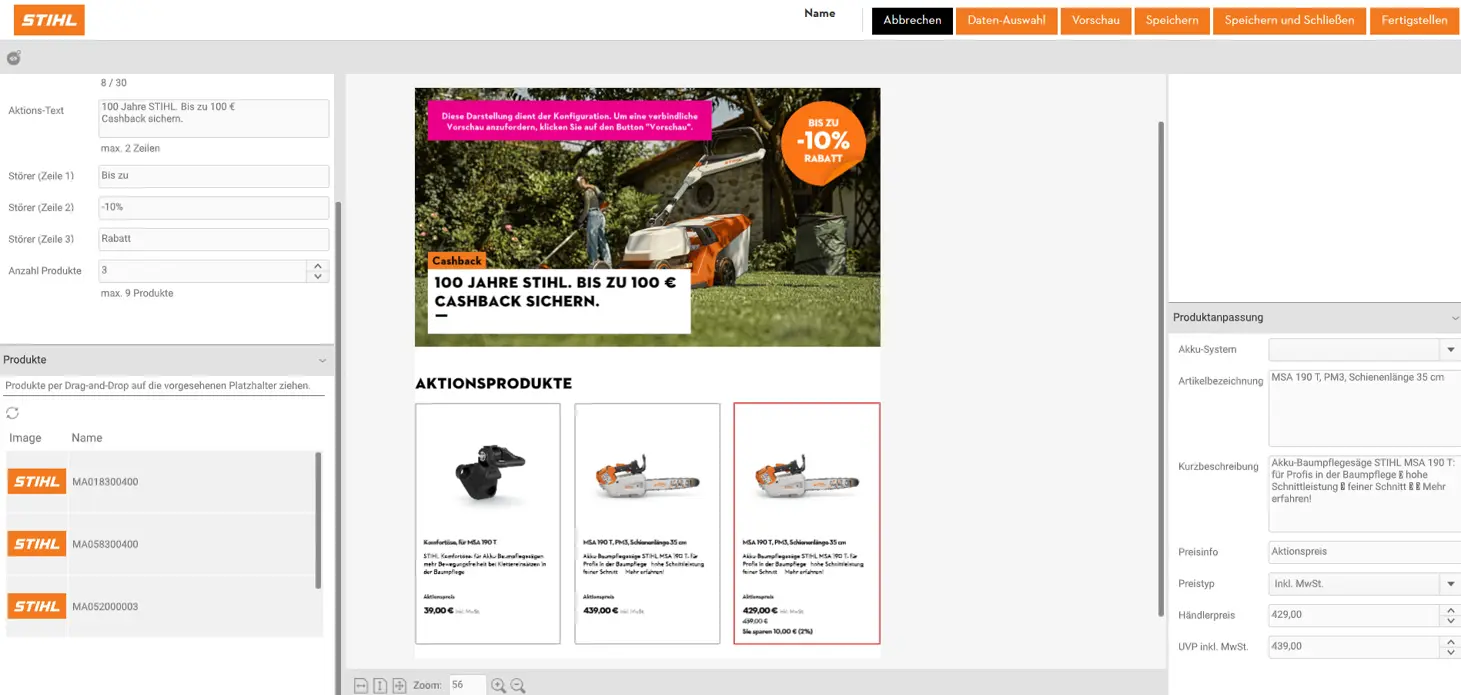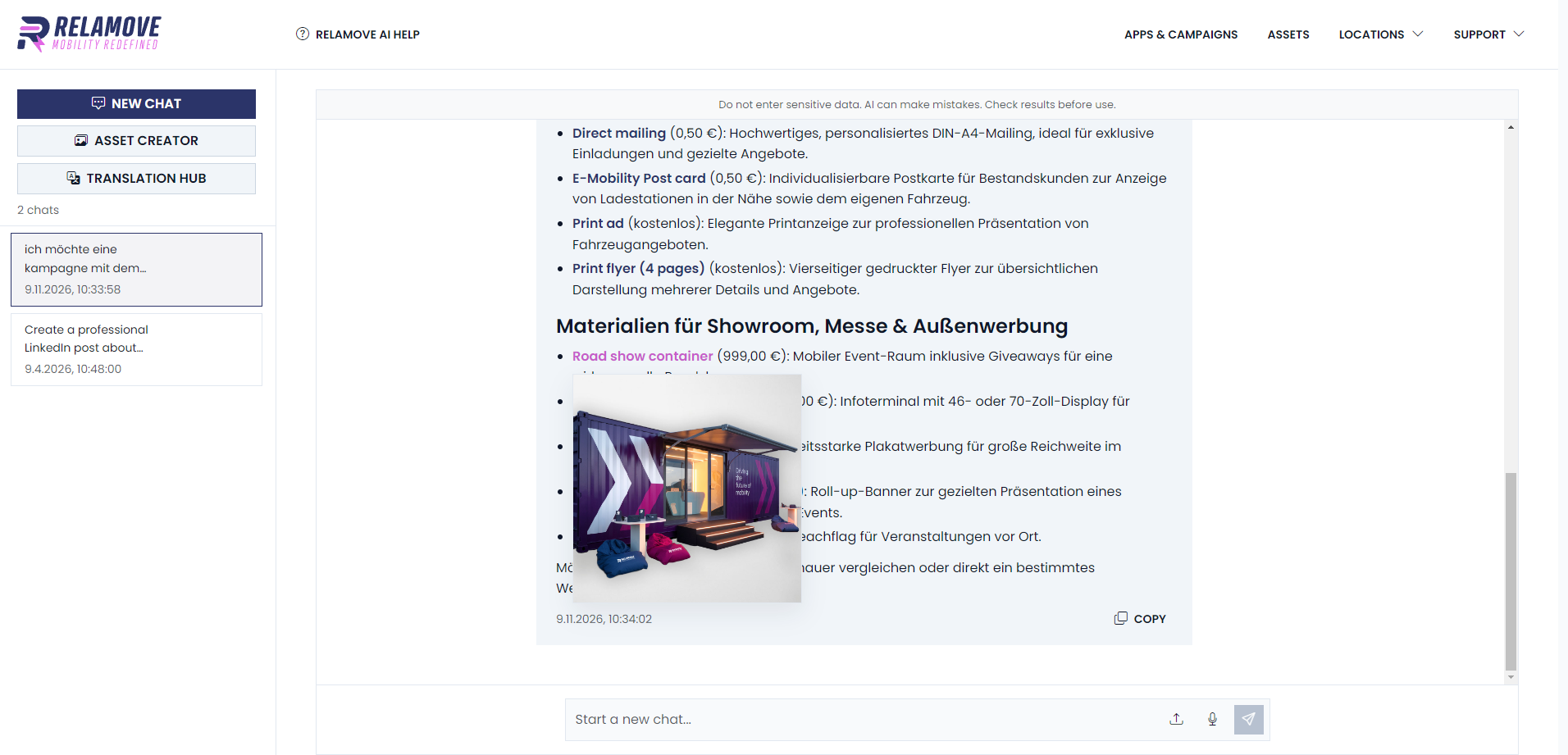
Drafting or translating a text, creating an image, or finding an article in the shop: the AI Assistant supports your partners in a brand-compliant way.
AI Assistant
An AI assistant that knows your brand — set up and trained directly in the portal.
Develop ideas. Write on-brand.
Use the AI Assistant as a creative sparring partner for new ideas and compelling copy.
Images that fit your brand.
Create custom visuals with AI – tailored to your company's corporate design.
One brand. Many languages.
Translate content and documents quickly and easily.
Whether it's a LinkedIn post, email newsletter, press release, blog article, landing page, ad copy, or product description – the AI Assistant supports you with brainstorming and content creation. It knows your company's brand guidelines and ensures that tone of voice, language style, and corporate wording are applied to every piece of content.
01
IDEAS & TEXTS
From inspiration to finished content.
Time-consuming creation
Creative inspiration and finished texts
Whether it's a social media visual or a unique image concept: the AI Assistant supports you in creating new images. Thanks to its knowledge of your company's brand rules and corporate design guidelines, as well as the ability to upload reference images or enter your own prompts, you can create visuals that fit seamlessly into your brand world.
02
CREATE IMAGES
From image concept to on-brand visual.
Time-consuming image creation
Image generation in seconds
Upload documents, select your target language and have content translated. Whether video subtitles, standard documents or even InDesign files – the AI Assistant supports you in preparing your content in multiple languages, while ensuring it adheres to your company's tone of voice and corporate wording.
03
TRANSLATE
From one language to the next.
Manual translations
Quickly translated content
You provide the direction.
Your partners keep the decision.
Which tone of voice suits the brand? Which terms should be used? What information is important for your network? These fundamentals are stored as context when setting up the assistant. This allows the AI Assistant to support the creation of relevant content. Reviewing statements, offers and results remains part of the workflow.
We would be happy to show you how Relatial works.